Smooth experience. No surprises at return.
Queue at pickup was long but everything else was fine.
Best rental company I've used in Europe. Clear terms, no hidden fees.
Charged for a pre-existing scratch. Keep your photos — you'll need them.
Car was ok but be careful with the fuel policy. Very pushy about upsell.
Fine experience this time. No issues on return.
Charged for damage I never caused. Without my photos it would have been a nightmare.
Existing scratches not noted. They tried to charge for them on return.
Deposit held for 8 weeks. Worst rental experience of my life.
Solento
Upload pickup photos
Drag & drop or tap to upload. Take photos standing next to the car.
Upload return photos
Available after Aug 21. Document the car on return.
AI-Powered Inspection
Get guided through every angle of your vehicle. AI validates your photos and generates a professional inspection report.
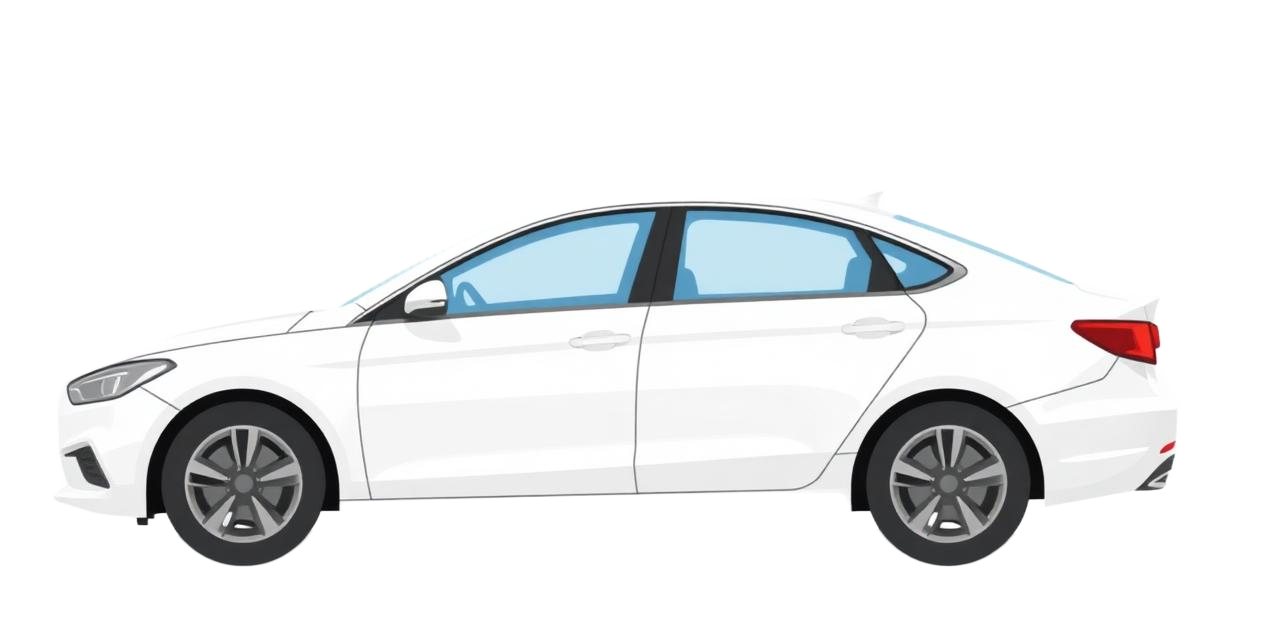
Front
✓ DocumentedRear
✓ DocumentedLeft Side
⟳ In ProgressRight Side
PendingWheels
PendingDashboard
Pending🤖 AI Validation
Upload Documents
Not all rental companies are the same. Now you can see exactly why.
The cheapest option is rarely the safest. Score gives you Trust, Risk, and complaint data aggregated from 13,000+ verified post-rental reviews across Trustpilot, Google, Booking.com and AutoEurope.
Trust Score 0–10
Composite of review sentiment (40%), complaint volume (35%), and dispute resolution rate (25%). Updated monthly from 6 sources.
Risk Score 0–10
Probability of an unexpected post-rental charge. Below 3 = low risk. Above 6 = protect yourself with Inspect + Dispute before and after.
Complaint breakdown
See exactly what other travellers complained about: damage charges, fuel policies, hidden fees, queue times. Weighted by recency.
Search by destination airport (PMI, AGP, FAO, FCO, ATH and more). Works for 40+ European airports.
Every company operating at that airport is shown with their Trust Score, Risk Score, complaint rate and average review.
Click any company for a full breakdown: complaint categories with percentages, traveller reviews, and data sources.
Use our affiliate link to book at the same price from a company you actually trust.
Every rental you ever take.
Every photo you ever needed.
One place.
Capture is your permanent documentation vault. Not a camera roll, not a folder of random photos — a structured record of every rental session, every vehicle area, every timestamp. Organised automatically. Available for 30 days after return. Exportable in one tap if you ever need to prove anything.
AI reads your company name and airport, pulls their claim frequency data, and builds a prioritised inspection sequence before you take a single photo.
One screen per shot. Specific angle guidance. Live quality feedback — blur, lighting, coverage. If a shot is weak, you're asked to re-take before moving on.
After the walkthrough, AI checks all 6 areas for quality and gaps. Flags anything that still needs attention before you drive off. Still 5 minutes to fix it.
Timestamped, court-ready PDF. Includes all photos, area-by-area AI findings, and a summary statement. Stored for 30 days. Input for Dispute if you ever need it.
Company, airport, dates. 30 seconds. Session lives in your dashboard until the rental is complete.
Notification at landing for pickup. Notification morning of return. Open the session and start the guided flow.
AI-guided walkthrough. One screen per area. Takes 10 minutes. Quality-checked in real time.
PDF stored alongside all photos. Accessible from your dashboard for 30 days. Export anytime, share with one tap.
SEAT Ibiza · 4827-LMR — uploaded today
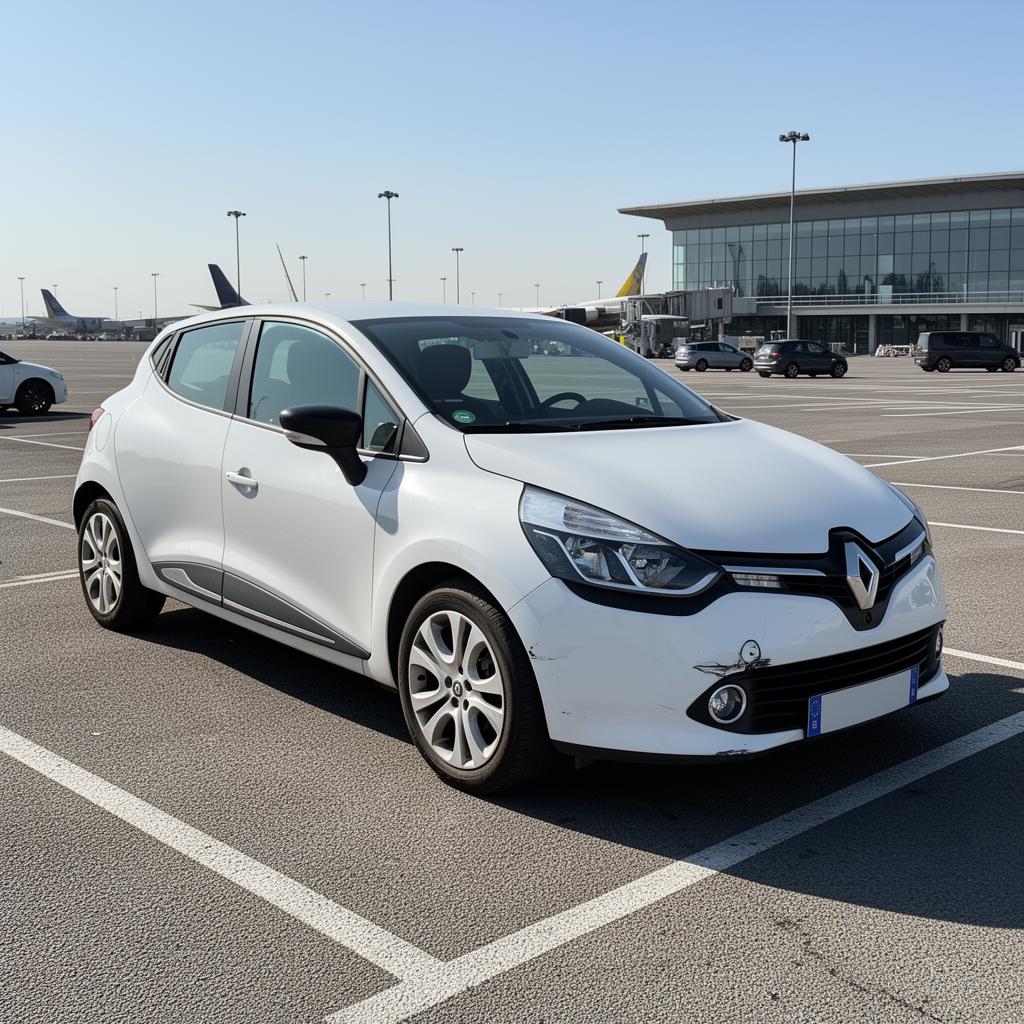
3 pre-existing issues detected
Knows where others reported scratches. Guides you through exactly those spots — adapted to your car type.
Inspect reads traveller reviews — not just charge data, but what people actually described: which areas they found scratched at pickup, what they disputed, which zones were problematic. It combines that with the type of car you're renting, because a hatchback, SUV and estate have completely different vulnerable areas. This isn't a generic list. It's a walkthrough built for your specific car and your specific rental company.
Built from real traveller reports
Our database currently holds verified claim records from Solento PMI, Primecar AGP, Aurorcar FAO, Roulex FCO, SwiftGo ALC and more. Each company's profile is built from real post-rental disputes — not guesses. The AI uses this to decide where you need more coverage, and where you can move faster.
Guided walkthrough — designed for standing next to a car
One area at a time. One prompt per screen. Large tap targets. Works with one hand in direct sunlight at 35°C with your family waiting nearby. The entire guided session for a standard car takes 10–14 minutes including upload time.
Live gap detection and re-shoot prompts
If AI detects a photo is blurry, overexposed, or at the wrong angle, it tells you immediately and asks you to re-shoot before you leave. "This shot of the rear bumper is too dark — move to the left and try again." No surprises later.
Timestamped, court-ready PDF
The generated report includes: company, airport, vehicle plate, documentation timestamp (to the minute), area-by-area coverage status, photo thumbnails, AI quality assessment, and a pre-written summary statement. Accepted by Stripe, credit card companies, and consumer protection bodies.
Per rental. One-time. Stripe Checkout takes 30 seconds. Available from your rental session before or after pickup.
Reads your rental company and airport. Pulls claim history. Builds a priority sequence for your specific rental — not a generic list.
One area at a time. Specific angle instructions. Live quality feedback. Re-shoot prompts if a photo doesn't pass. Takes 10–14 minutes total.
AI validates all photos, writes area-by-area findings, and generates a timestamped PDF. Stored for 30 days. Export or share anytime.
You don't need a lawyer.
You need the right letter.
Rental companies count on you not knowing your rights. Dispute analyses their claim, finds weaknesses, and writes a professional appeal letter that references your evidence, EU rental regulations, and industry standards.
Claim analysis
Parses the charge amount, date filed, damage description, and supporting documents. Identifies procedural errors, late filings, and missing paperwork that weaken their position.
Appeal letter generator
Generates a formal, professional letter that references your evidence, cites applicable EU consumer protection regulations, and makes a clear, structured demand for the charge to be reversed.
PDF export + copy email
Export the full dispute package as a PDF (for formal complaints or card disputes) or copy the email text directly to paste into Gmail, Outlook, or any email client.
Use without prior documentation
Even if you didn't use Capture or Inspect, Dispute can still help. Just upload whatever you have — the claim email, photos from your phone, your rental agreement — and we'll work with what's available.
Forward the damage claim email, upload the invoice, and add any photos you have. PDF, JPEG, text — all accepted.
AI reads the claim, cross-references your evidence, checks for procedural violations, and builds a case summary.
See exactly what they charged, when, and how strong (or weak) their case is. Plain language — no legal jargon.
Copy the letter, send it directly. Or export the full PDF dispute package for your credit card company or consumer protection authority.
Profile
Notifications
Rental reminders
Remind me to take photos on pickup
Return reminders
Remind me to document on return
Storage expiry warnings
Alert me before photos are deleted